PromptSpectra
July 26, 2026
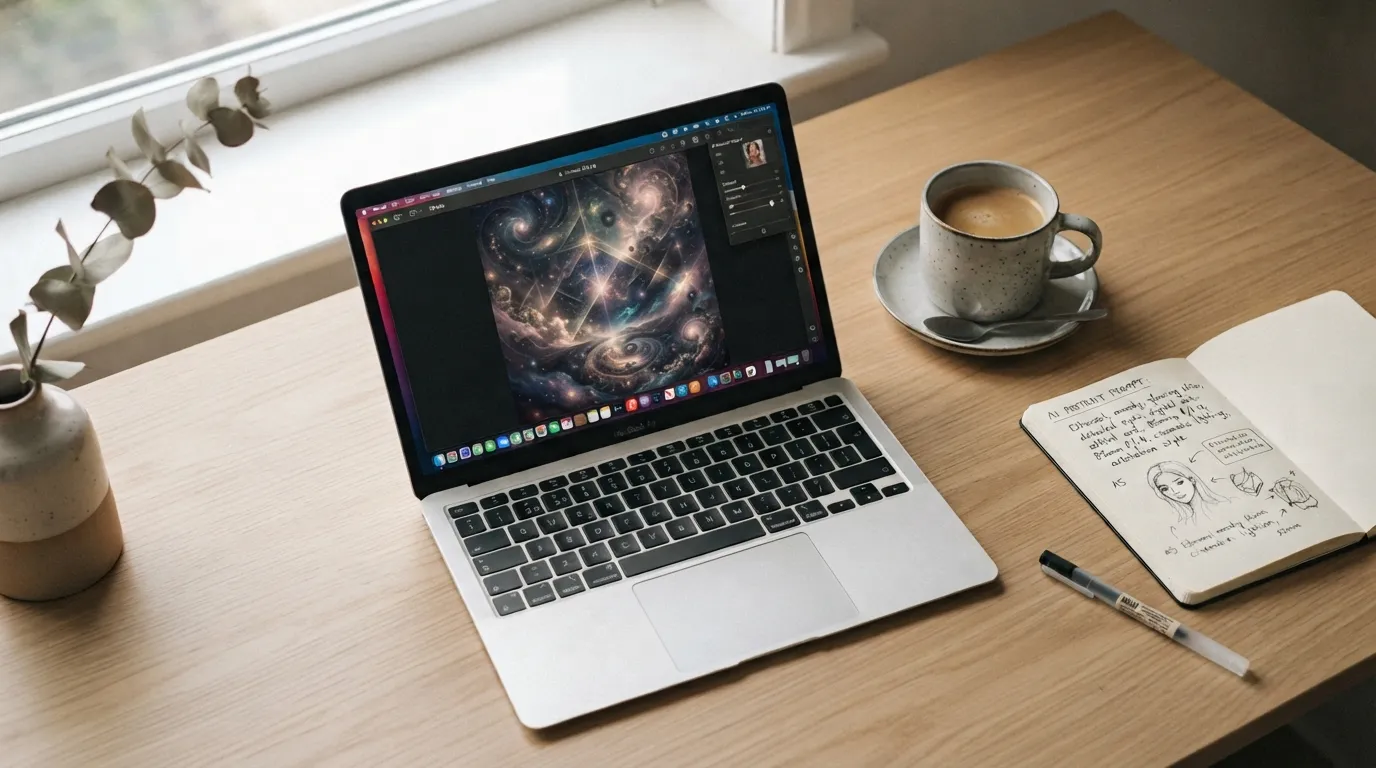
If you've ever typed a short description into an AI image generator and gotten back something blurry, generic, or just wrong, you're not alone. The difference between a mediocre AI image and a stunning one usually isn't the tool — it's the prompt.
This guide breaks down exactly how to write prompts that consistently produce sharp, professional-looking results, whether you're using Midjourney, DALL·E, Stable Diffusion, or Gemini.
Most beginners write prompts like this:
"a woman in a city"
This gives the AI almost nothing to work with. No lighting, no style, no camera angle, no mood. The model fills in the blanks randomly, which is why results look inconsistent and generic.
A strong prompt answers five questions:
Here's a simple formula that works across almost every AI model:
[Subject] + [Action/Pose] + [Setting] + [Lighting] + [Style/Mood] + [Technical Parameters]
For example, instead of "a woman in a city," try:
"A young woman in a tailored beige coat walking through a rain-soaked city street at dusk, neon signs reflecting on wet pavement, cinematic lighting, moody atmosphere, 35mm photography, shallow depth of field --ar 3:4"
Same subject, dramatically better result — because the AI now has clear direction instead of guessing.
 Aesop Style Editorial Living Room Corner
Vague: "good lighting" Specific: "golden hour lighting," "harsh studio flash," "soft diffused window light," "dramatic rim lighting"
Lighting is one of the biggest factors separating amateur-looking results from professional ones.
Terms like 35mm lens, 85mm portrait lens, low angle, macro shot, or wide-angle push the model toward photographic realism instead of a generic "AI look."
"Editorial photography," "Studio Ghibli style," "watercolor illustration," "cyberpunk concept art" — anchoring the model to a known style dramatically improves consistency.
Most tools support parameters like --ar 16:9 (widescreen), --ar 3:4 (portrait), or --ar 1:1 (square). Match this to how you'll actually use the image.
Tools like Gemini and Midjourney (with --cref) let you upload a reference photo to preserve a specific face, pose, or composition. This is especially useful for consistent character or portrait work — pair it with clear instructions like "preserve facial identity" if the model supports it.
Before:
"a cat"
After:
"A fluffy orange tabby cat sitting on a windowsill, soft morning light streaming in, shallow depth of field, cozy home interior blurred in background, photorealistic --ar 4:5"
Same core idea, completely different quality of output.
Good AI prompting isn't about memorizing magic words — it's about giving the model clear, specific creative direction, the same way you'd brief a photographer or illustrator. Start with the five-part structure above, study what changes when you tweak individual details, and you'll quickly develop an intuition for what works.
Looking for a head start? Browse our curated prompt library for ready-to-use prompts across Midjourney, DALL·E, Gemini, and more — each one broken down with the exact settings used.
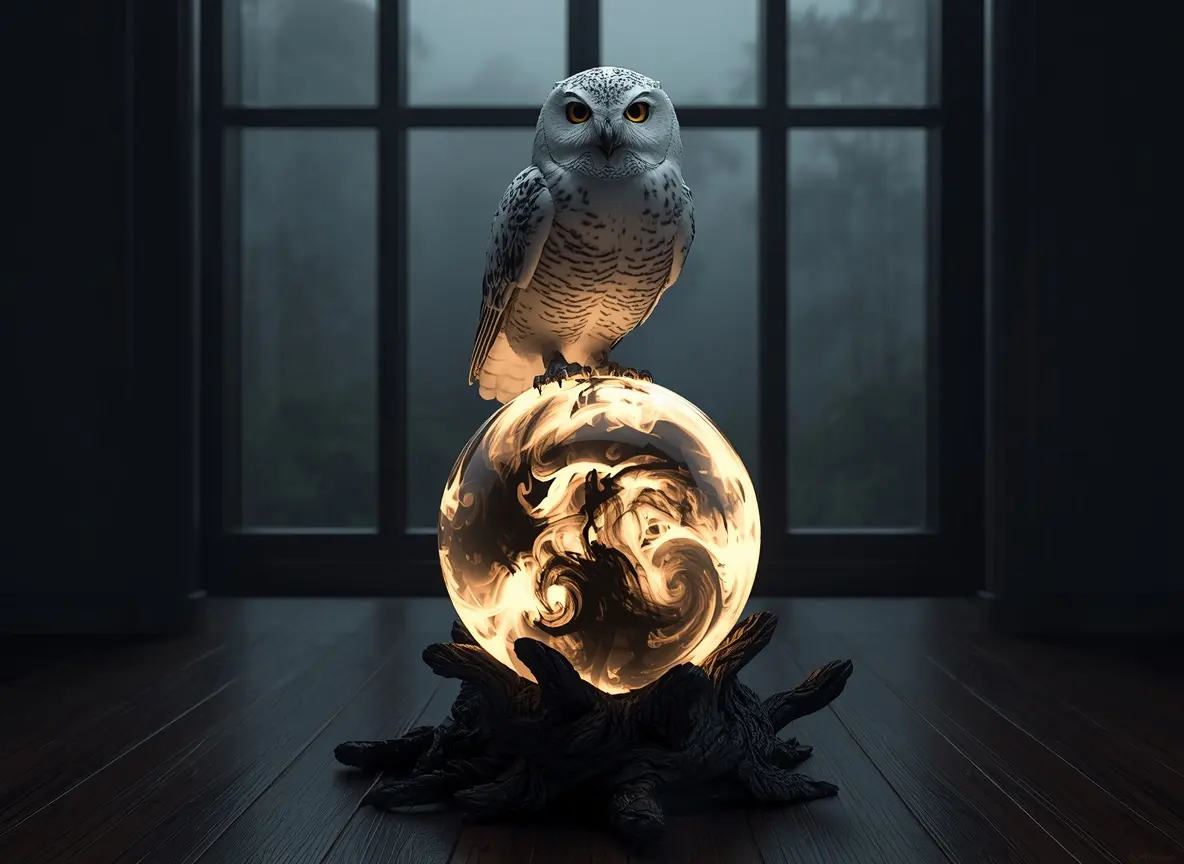
A moody, photorealistic white owl perched on a glowing crystal ball in a dim room, lit only by the ball's light, with a hazy jungle barely visible through a distant window.
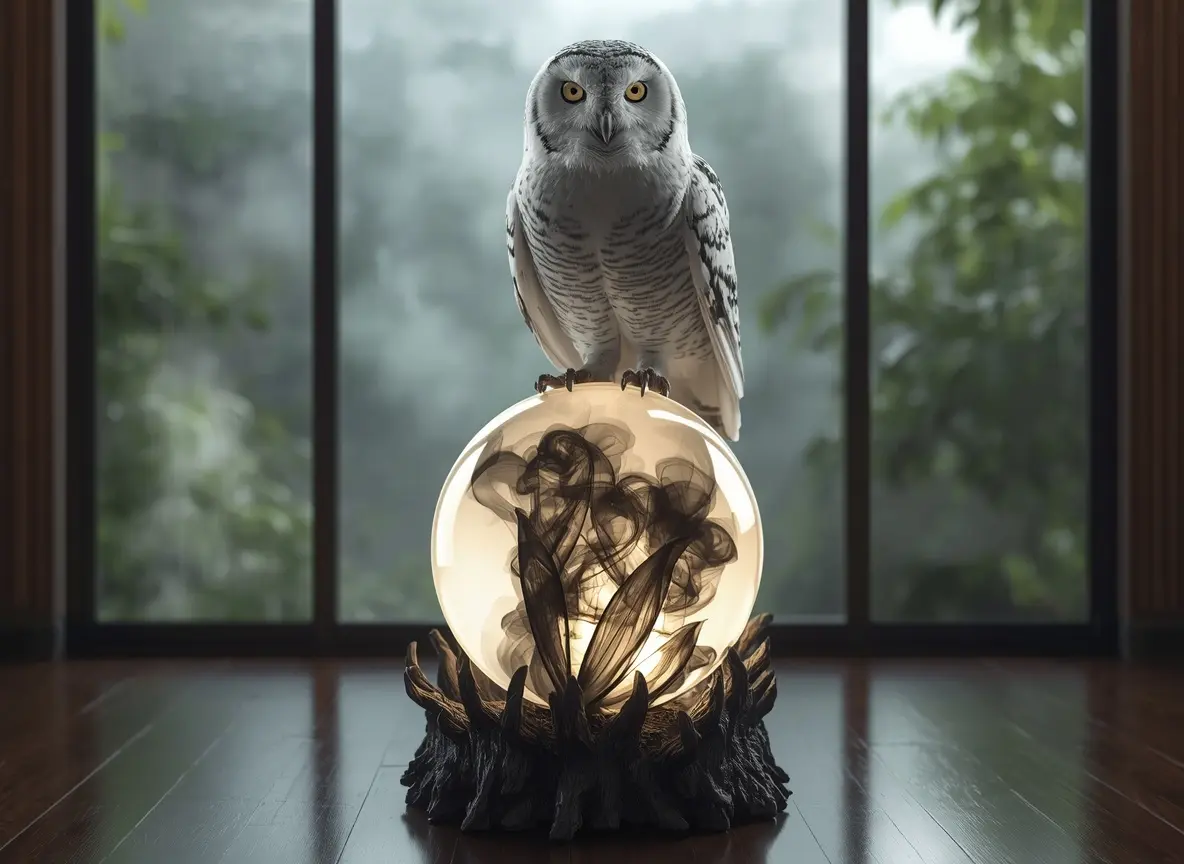
A photorealistic white owl with a confident, intense gaze perched on a glowing black-and-white crystal ball, set against a lush jungle view through a window.